Fernelwick › Capabilities
What Fernelwick Brings to Information Organisation
A detailed look at the platform's core functions: how information is classified, how it is made available for review, and how the access process is managed.
Automatic Information Classification
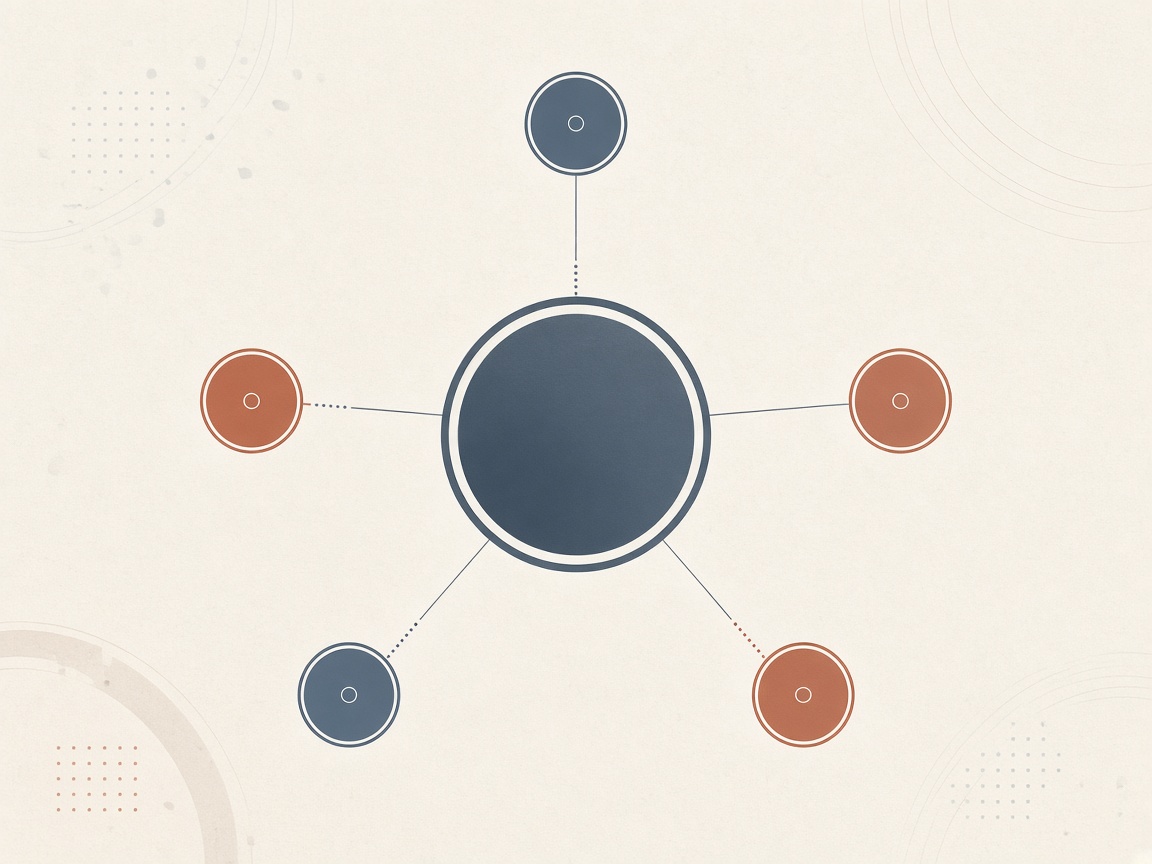
When information enters the Fernelwick system, it passes through a classification stage before becoming visible in the review interface. This stage assigns the item to one or more categories based on attributes extracted from its content.
The classification process uses AI-assisted logic to identify relevant attributes and match them against the current category structure. Items that cannot be reliably assigned remain in a pending state until a classification determination can be made.
- Attribute extraction from structured and semi-structured content.
- Category assignment based on defined matching criteria.
- Handling of items that fall across multiple categories.
- Queuing of items that require manual review before classification.
Structured Information Review
Once classified, information is accessible through the structured review interface. This interface organises items by category and presents their attributes in a consistent layout, regardless of the format in which the information was originally received.
Users navigate between category views using the interface's persistent navigation. Within each view, items are listed with their key attributes visible. Selecting an item opens a detail panel containing the full set of available attributes.
- Consistent attribute layout across items in the same category.
- Side-by-side comparison of selected items where supported.
- Contextual notes linking related items across categories.
- Clear indication of when an item's classification was last updated.
Distribution Patterns and Category Composition
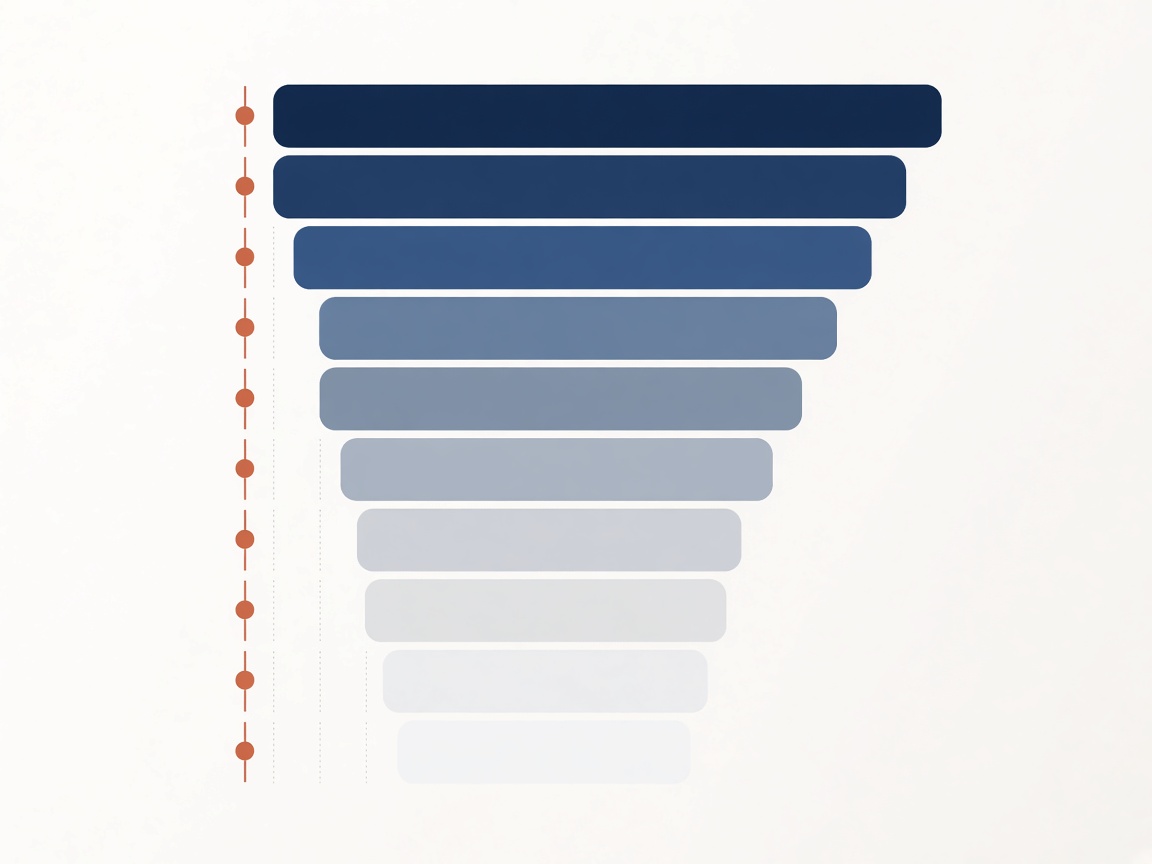
For categories containing a sufficient number of classified items, the platform offers aggregate views. These present a summary of how items are distributed across attribute values within the category. They are descriptive in nature: they show the composition of existing classified information, not a forecast or interpretation.
Aggregate views are updated as new items are classified and added to the category. The refresh rate depends on the volume of incoming information and the speed of the classification process for that category.
- Attribute distribution summaries for populated categories.
- Filters allowing users to narrow the view to a subset of items.
- Timestamp indicating when the aggregate was last recalculated.

Enquiry and Access Request Handling
The platform includes a structured workflow for managing access requests and user enquiries. When a request is submitted through the enquiries form, it is received, logged, and assigned to the support team for review.
The team may follow up to request additional context. Once a request is assessed, the outcome is communicated directly to the user. Fernelwick does not commit to specific response times; the team handles requests in the order in which they are received.
- Submission logging for all enquiry form entries.
- Categorisation of requests by type for appropriate routing.
- Direct communication of access decisions to the requesting user.
- Ongoing support contact for users with active access arrangements.
How Platform Access Is Arranged
Submit Your Request
Complete the enquiries form with your name, email, request type, and a description of what you are looking to access.
Team Review
The support team reviews your submission. They may contact you for further information before reaching a decision.
Decision Communicated
You receive a direct message from the team confirming whether access has been arranged and what the next steps are.
Begin Using the Platform
Once access is confirmed, you can begin reviewing classified information through the interface in accordance with the terms of use.
Interested in Accessing the Platform?
Use the enquiries form to submit your request. The team will review it and respond in due course.